Hardware-focused computer repair.
Arkansas Geek offers computer repair and troubleshooting with a focus on hardware-related issues, builds, upgrades, and practical questions. Start with the repair form so the problem can be understood before anything is scheduled.
arkansas-geek / pc-info
Repair Intake
Start with the issue.
> computer repair lane active...
focus: hardware repair, troubleshooting, upgrades, and builds
first step: send equipment and issue details
rate: typically $55/hr labor after the job is reviewed
Page Type
Computer Repair
Focus
Hardware & Troubleshooting
Rate
$55/hr Labor
Next Step
Start With The Form
Page Type
Computer Repair
Focus
Hardware & Troubleshooting
Rate
$55/hr Labor
Next Step
Start With The Form
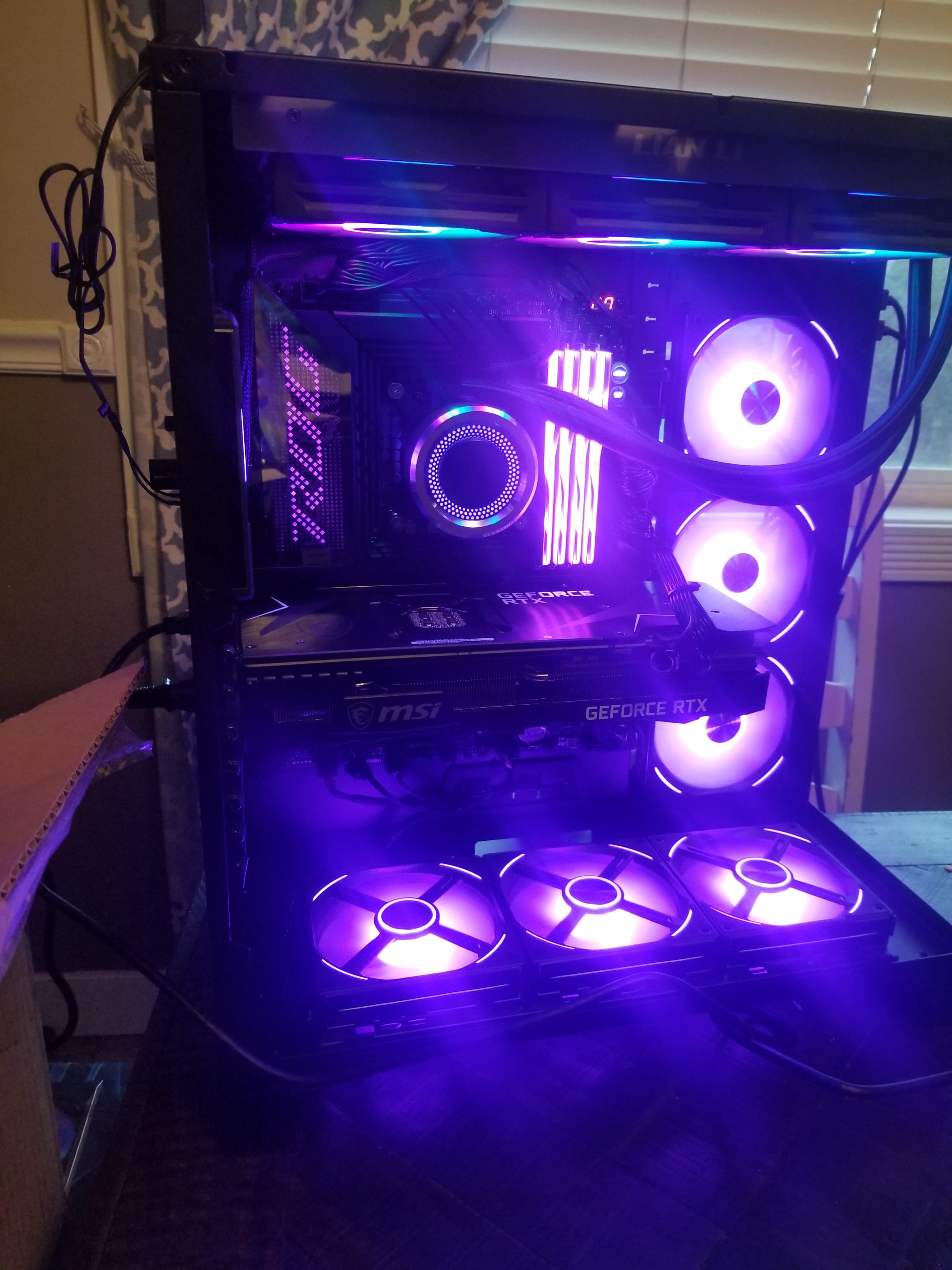
Computer Repair Photos
Real repair work starts with real troubleshooting.
Computer issues are not always obvious from the outside. The right questions can help separate a simple fix from a parts problem, bad connection, failed component, or deeper system issue.
What to send before the repair starts.
The more detail you send up front, the easier it is to point the repair in the right direction. Start with the issue, the computer type, and anything that changed recently.
Start Repair Request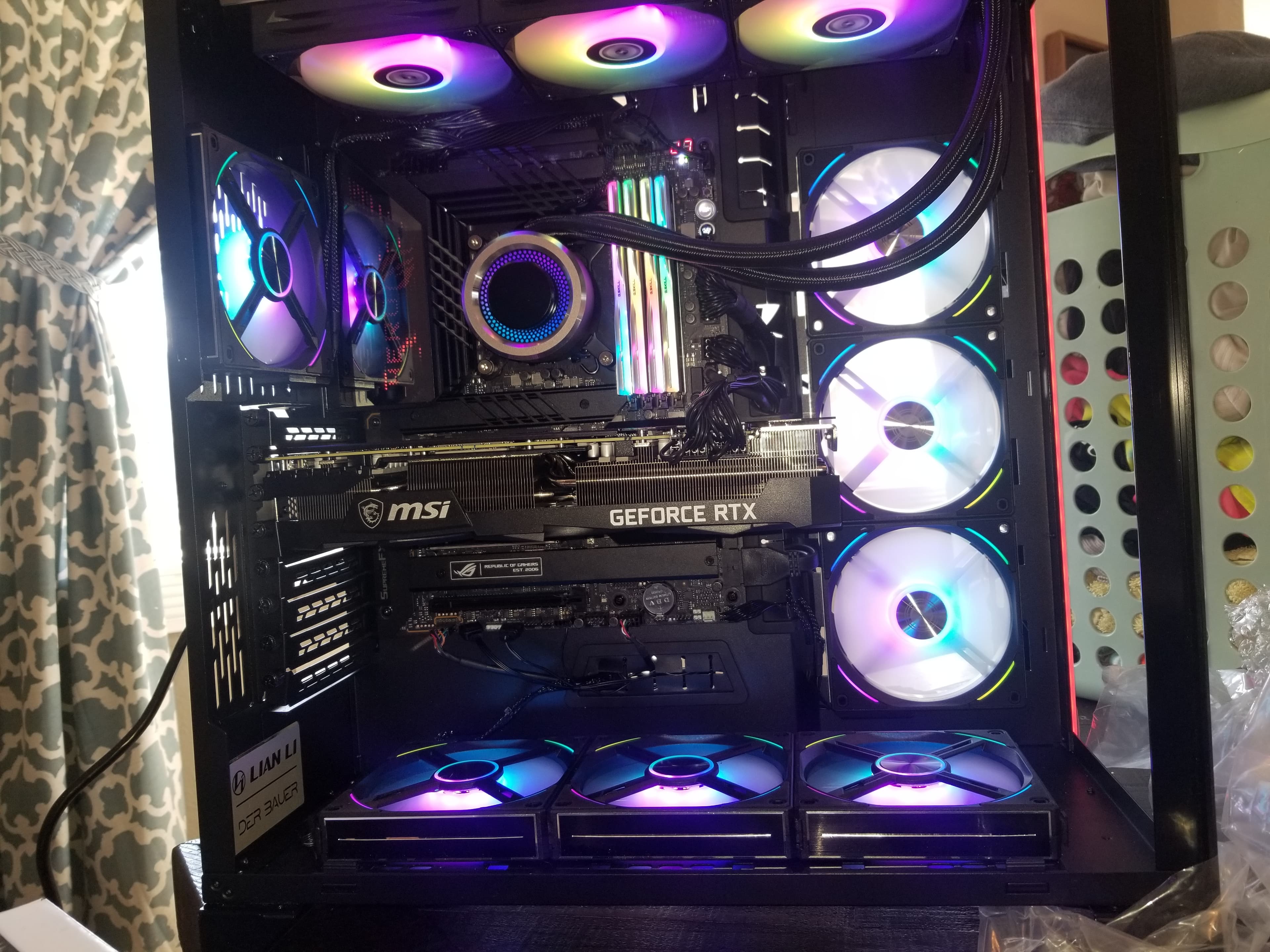
01
Hardware-focused computer repair
Arkansas Geek handles practical computer repair, hardware issues, troubleshooting, upgrades, replacement parts, builds, and general repair questions. The goal is to understand what is actually going on before money is spent on the wrong fix.
02
What to include in the request
Send the type of computer, what problem you are having, when it started, any error messages or symptoms, and whether anything was recently changed, upgraded, replaced, or unplugged.
03
A quick follow-up may save a visit
Some issues can be narrowed down with a few questions or a short call before scheduling anything. Labor is typically $55/hr, but the details decide whether it is a quick answer, a parts issue, or a repair job.
Repair Request
Tell Arkansas Geek what you are working with.
Use the form to send the equipment type, symptoms, recent changes, and what you want done. Do not send passwords, payment details, or sensitive personal files.
Start Repair RequestGo straight to the kind of help you need.
Hardware repair, troubleshooting, upgrades, and computer builds each have their own page so you can get to the right information without digging through a generic service list.
Computer Repair
Hardware Repair
Computer hardware repair and practical diagnosis through Arkansas Geek for desktops and laptops. Start with the symptoms before buying parts.
View serviceComputer Repair
Troubleshooting
Computer troubleshooting through Arkansas Geek for hardware issues, confusing symptoms, failed upgrades, and practical repair questions in Arkansas.
View serviceComputer Repair
Upgrades
Computer upgrade help through Arkansas Geek for practical hardware changes, replacement parts, troubleshooting, and upgrade-related repair questions.
View serviceComputer Repair
PC Builds
Custom PC build help through Arkansas Geek, including build questions, hardware selection guidance, upgrades, and troubleshooting for new or existing systems.
View serviceComputer repair for the Arkansas areas already served.
City pages are service-area information, not separate storefronts. Start with the repair request so the issue and location can be reviewed before scheduling.