01
Start with what you want the computer to do better.
The useful question is not just what part can be replaced. It is what problem you are trying to solve. Send the computer type, current hardware if you know it, and what you want to improve.
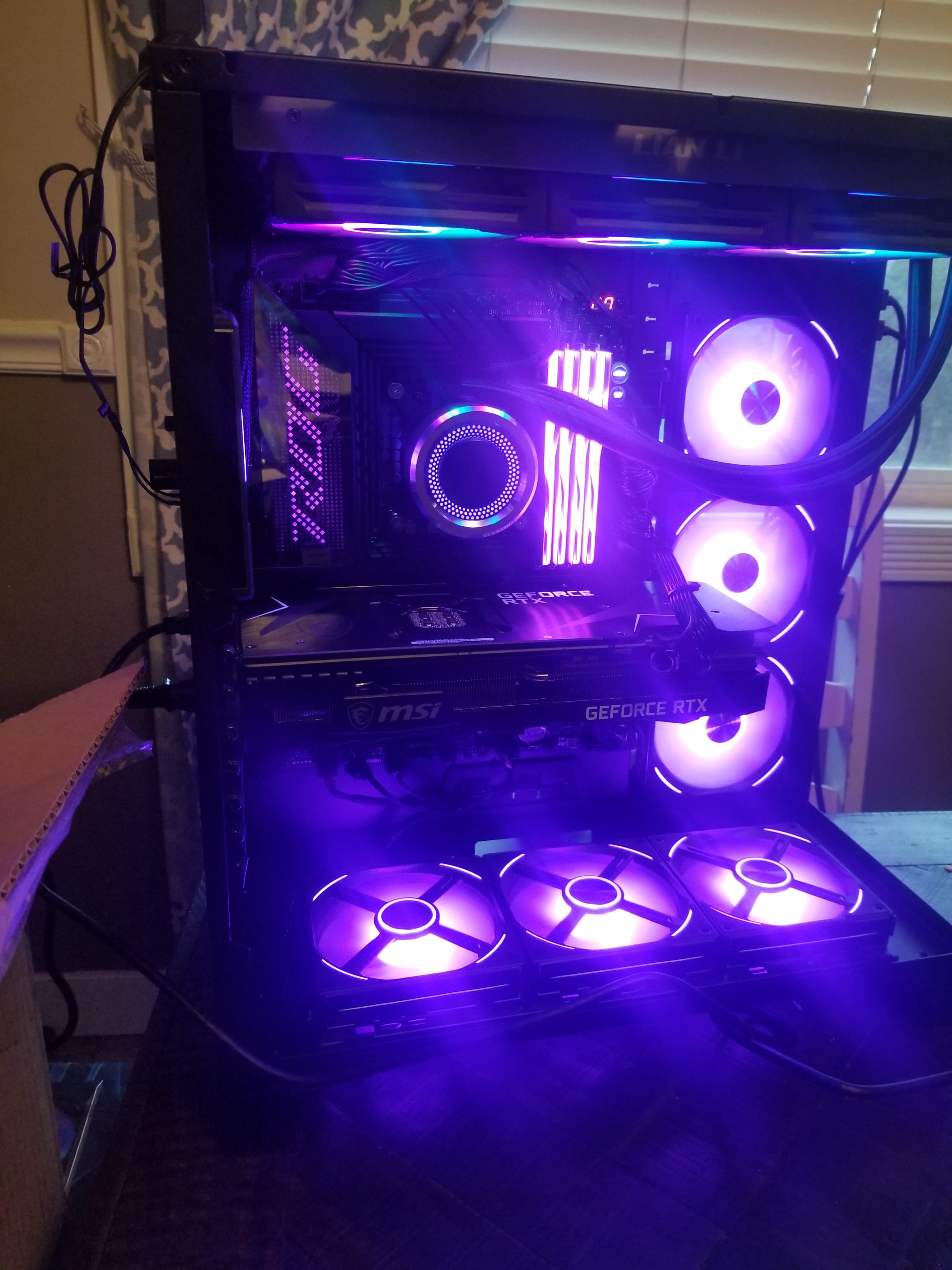
An upgrade should solve a real problem or improve the machine in a useful way. Arkansas Geek can help with hardware upgrades, replacement parts, and troubleshooting when an upgrade does not go the way it should.
01
The useful question is not just what part can be replaced. It is what problem you are trying to solve. Send the computer type, current hardware if you know it, and what you want to improve.
02
When a machine stops behaving correctly after a part change, the new hardware, connection, compatibility, setup, or an unrelated failure may all need to be considered.
03
If you are not sure what failed or what should be upgraded, send the details first. A repair request gives Arkansas Geek enough context to ask the right follow-up questions.
Best next step
Arkansas Geek starts with the equipment or vehicle, the symptoms, what changed recently, and what has already been tried. That keeps the next step practical and easier to quote fairly.
Start Repair Request